Project Status Report Template
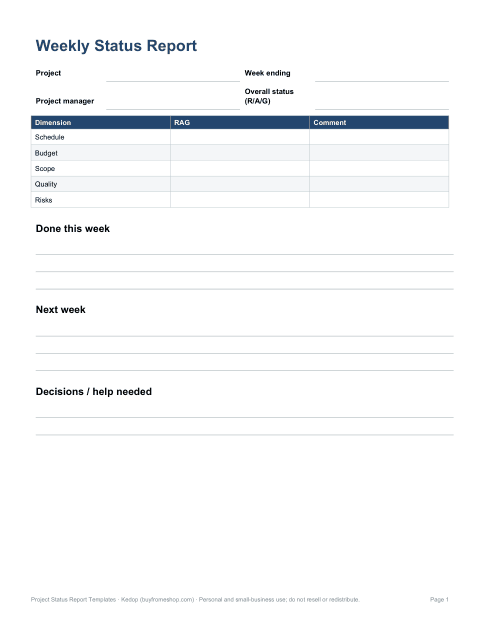
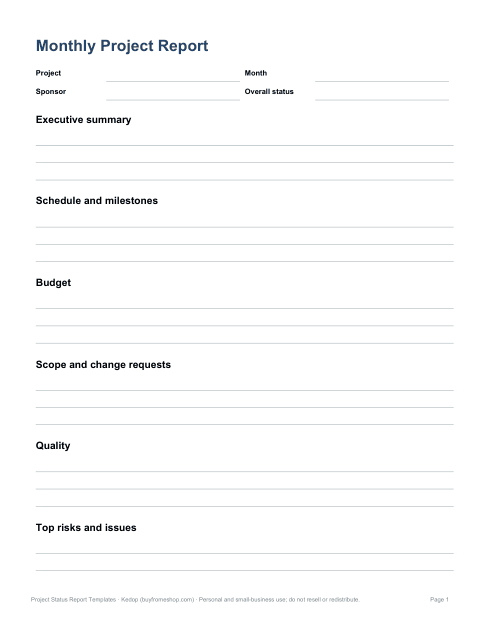
A status report tells stakeholders, in a couple of minutes, whether a project is on track and what needs their attention. This template pack gives you a one-page weekly report, a fuller monthly report, an Excel dashboard with red-amber-green (RAG) ratings, and logs for milestones, risks, issues and decisions.
Project Status Report Templates
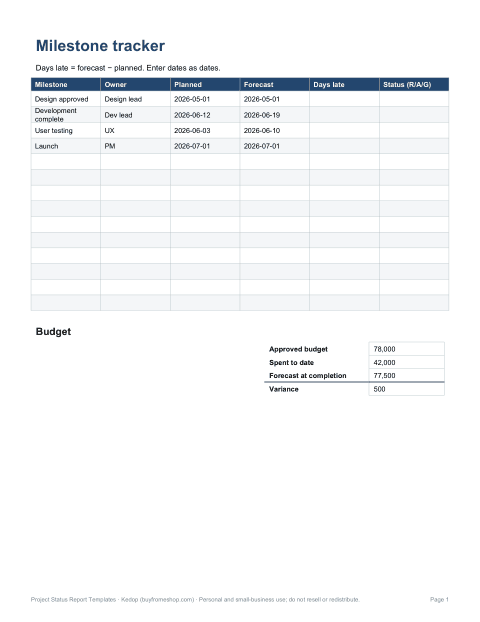
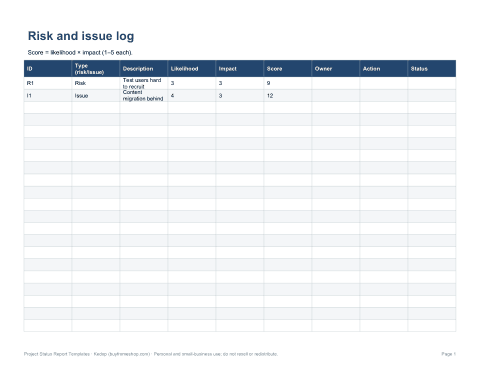
One-page weekly and monthly steering status reports in Word, an Excel RAG dashboard with milestone and budget variance, risk and issue log, decision log and report checklist.
- Weekly status report (DOCX)
- Monthly steering report (DOCX)
- Status dashboard (XLSX)
- Risk & issue log (XLSX)
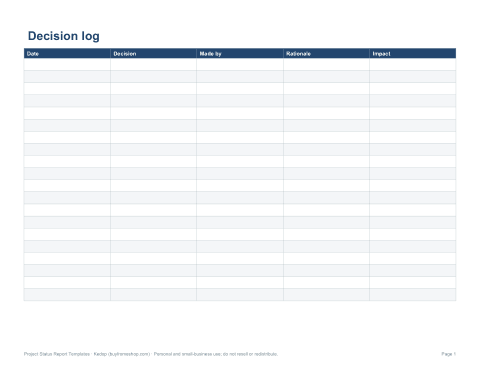
- Decision log (XLSX, PDF)
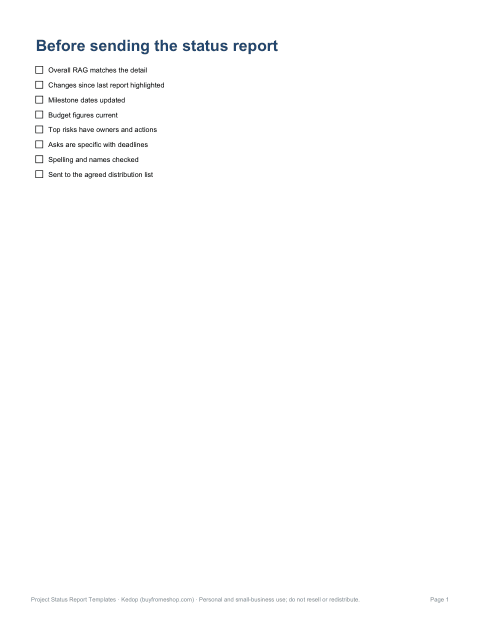
- Report checklist (PDF, DOCX)
Formats: DOCX, PDF, XLSX. Instant download after payment (link valid 72 hours, up to 5 downloads). AI-assisted: the templates were drafted with AI help and reviewed and laid out by Kedop.
$7.00 USD, one-time
Secure card checkout by Stripe. Full refund within 7 days — see the refund policy and license.
What a good status report includes
| Section | What to write |
|---|---|
| Overall status | One RAG rating and one sentence explaining it |
| Summary | Two or three sentences on progress since the last report |
| Schedule, budget, scope, quality | A RAG rating for each with a short reason |
| Milestones | Planned date, forecast date and status |
| Accomplishments | What was completed this period |
| Next period | What will be done before the next report |
| Risks and issues | Top items with owner and action |
| Decisions or help needed | Specific asks for sponsors, with deadlines |
| Budget | Spent to date, forecast at completion, variance |
Using red, amber and green honestly
| Rating | Meaning | Typical trigger |
|---|---|---|
| Green | On track; no help needed | Within agreed tolerance on dates and cost |
| Amber | At risk; the team has a recovery plan | Slippage or overspend within tolerance, or a significant risk emerging |
| Red | Off track; needs a decision or help from outside the team | Tolerance exceeded, or a blocker the team cannot resolve |
Agree the thresholds at the start of the project — for example, amber if a milestone is forecast up to two weeks late or costs are up to 5% over, red beyond that. Reports that stay green until the week before a deadline and then turn red lose trust; an honest amber early gives sponsors time to help.
Writing for busy readers
- Lead with the overall status and the decisions you need — many readers stop after the first few lines.
- Use short bullet points and plain language; avoid internal jargon.
- Show change since last time: new risks, dates that moved, milestones achieved.
- Be specific in asks: “Approve additional $8,000 for testing by Friday”.
- Keep the format the same every week so readers know where to look.
- Attach detail rather than including it in the body.
Weekly vs monthly reports
Weekly reports suit active delivery phases and project teams: one page, focused on progress, next steps and blockers. Monthly reports suit steering committees and executives: status by dimension, milestone trend, budget detail and key risks. The pack includes both, drawing on the same logs so you update information once and reuse it.
What is in the template pack
- One-page weekly status report (Word).
- Monthly steering report (Word) with sections for each dimension.
- Status dashboard (Excel) — RAG ratings, milestone table with days late calculated, and budget variance.
- Risk and issue log (Excel) with likelihood × impact scores.
- Decision log — what was decided, by whom and when.
- Report checklist — review before sending.
Worked example
A website redesign is in week 9 of 16. Design is complete, development is 60% done, and user testing has slipped a week because recruitment took longer than planned. The weekly report rates schedule amber (“testing moved from 3 to 10 June; launch date still achievable by overlapping content migration”), budget green (spent $42,000 of $78,000, forecast on budget), scope green and quality green, lists two risks and asks the sponsor to confirm the content freeze date by Friday.
Who it is for
Project managers, team leads, consultants reporting to clients, PMO teams standardising reports, and anyone running a project that needs regular updates.
Formats
Word (DOCX) report templates and Excel (XLSX) dashboard and logs with formulas, plus PDF copies for reference.
Making reports useful, not a chore
Status reports should take minutes to write, not hours. Keep logs up to date as things happen, then copy the top items into the report. Ask your readers once what they actually use — some sponsors want only the overall rating and asks; others need budget detail. Cut sections nobody reads. And use the report as a prompt: if you cannot say what happens next week or what decision is needed, the project may need attention.
Frequently asked questions
What should be in a project status report?
Overall status, summary, RAG ratings for schedule, budget, scope and quality, milestones, next steps, risks and issues, and decisions needed.
What does RAG mean?
Red, amber, green — a traffic-light rating for status.
How often should I send status reports?
Weekly for active projects and teams; monthly for steering committees, or as agreed.
Are the templates editable?
Yes, they are Word and Excel files.
Was AI used to create the templates?
The templates were drafted with AI assistance and then reviewed, edited and formatted by Kedop.